
A home alarm system is a set of sensors, a base station and a siren that warn you when something unusual happens at home. The question that weighs most when buying is not the brand but who will react to an alert: a paid monitoring center or you, from your phone.
This guide gathers what independent consumer organizations say about both models, the costs that often stay out of the ad, and how to keep the system from becoming a source of false alarms. It is not a technical design: for electrical work, hire a qualified professional.
How a home alarm system works
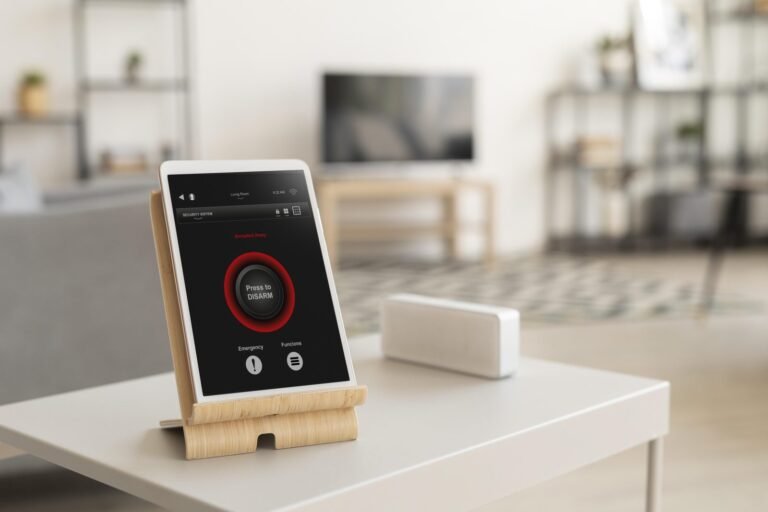
The base station is the brain. According to Consumer Reports’ buying guide, it combines the siren, a backup battery and, in many models, a cellular connection as a fallback when the internet is down. Around it sit the sensors:
- Contact sensors: report when a door or window is opened or closed.
- Motion sensors: detect movement in a room; some are designed to ignore small pets.
- Keypad, key fob and app: used to arm and disarm the system.
- Extras: glass-break, smoke, water-leak sensors, extra sirens and panic buttons.
Consumer NZ describes the same logic: passive infrared motion detectors, door and window switches and a loud siren meant to scare off an intruder and alert neighbors. The weak point it names is desensitization: when false alarms are frequent, people stop paying attention to the siren.
Monitored vs. self-monitored: what changes
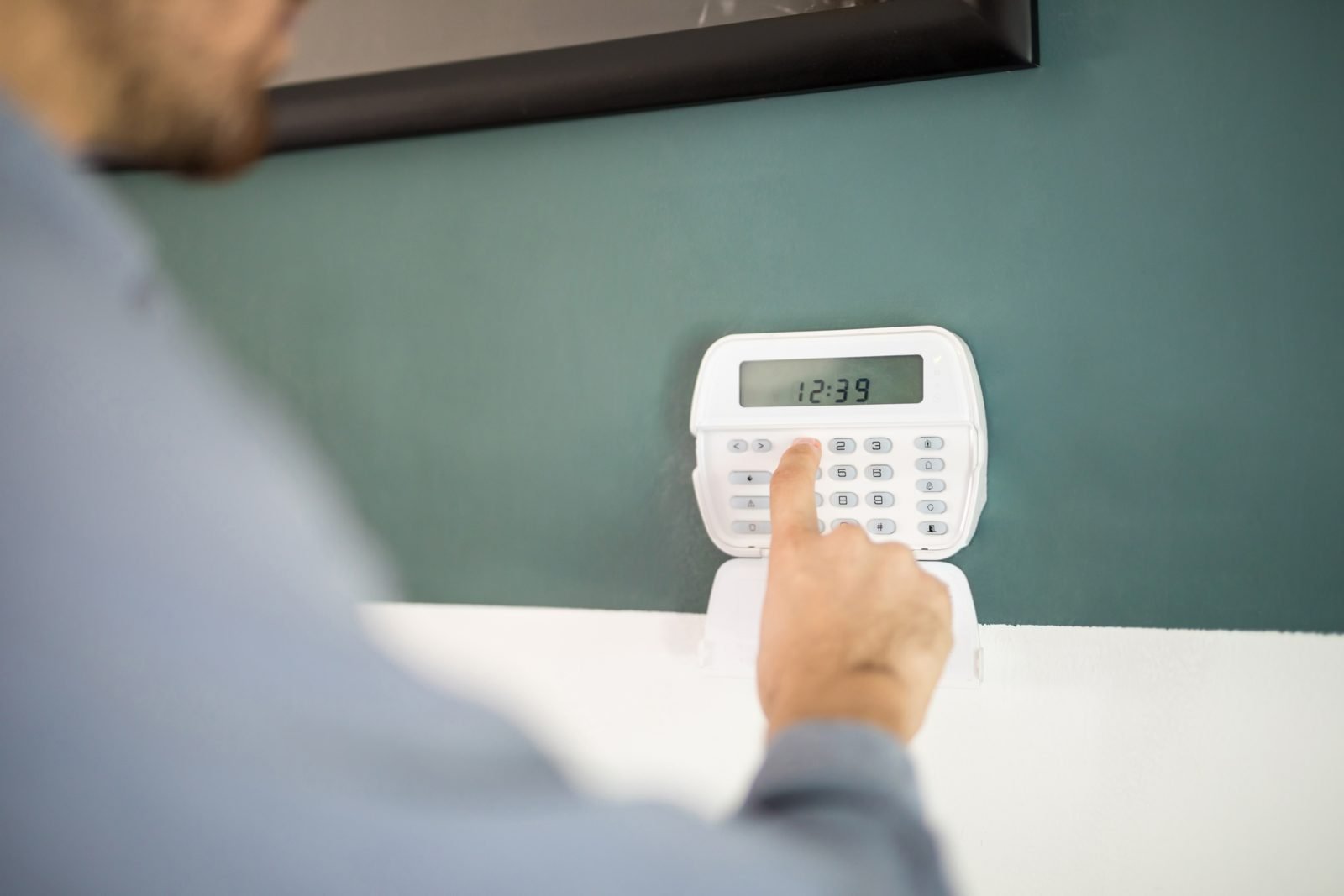
With a monitored system, a team watches it and, when it trips, tries to reach you and contacts authorities or a response service, depending on the contract. With a self-monitored system, the alert goes to your phone and the decision is yours. Consumer Reports notes that many self-monitored systems offer optional professional monitoring, sometimes without a long-term contract.
| Criterion | Monitored | Self-monitored |
|---|---|---|
| Who responds to an alert | Monitoring center | You, by phone |
| Recurring cost | Monthly or annual fee | Usually none, with exceptions |
| Works if you miss the notice | Yes, the center is watching | No: depends on your attention |
| Contract | May involve 2 to 5 years | Usually no lock-in |
| Typical fit | People who travel, live alone or have an isolated home | People who stay near their phone and want to control spending |
The decisive difference is the third row. Consumer Reports points out that with self-monitoring, a missed alert can leave the home without any response. If you sleep with your phone on silent or spend the day in meetings, that risk is real.
What it really costs
The advertised kit price usually includes only a few sensors. In a Consumer Reports member survey, professional monitoring ran from about $15 to $53 a month, and a single contact sensor could cost $15 to $50. Prices vary by region, provider and contract.
What to compare before signing:
- the total cost over a few years, adding equipment, installation and the monthly fee, not just the starter kit;
- contract length and the penalty for canceling;
- whether the cellular backup is billed separately;
- how much each extra (smoke, leak, cameras) changes the monthly fee.
Consumer NZ notes that independent advice is rare because most advisers also sell systems: get more than one quote.
False alarms: what triggers them most
A Which? survey of 2,083 people in the UK, conducted in February 2019 and published in November 2020, offers useful numbers. Among respondents, 43% had experienced a false alarm, and 24% of those had three or more in two years. The most common cause was the owner setting it off by mistake. Pets accounted for 21% of cases, and animals outside the home for another 9%. Strong wind, insects and rain also appeared.
In Britain, too many false alarms can remove a property from the police response list (Which?); it is worth asking the company how it handles repeated triggers.
If you have a dog or cat
The same report suggests looking for motion sensors designed to ignore pets, usually up to a certain weight that varies by manufacturer. For large animals or ones that jump on furniture, consider door and window contacts, glass-break detectors or cameras that let you check what caused an alert.
Digital security and wireless signals
Most current systems are wireless, which makes installation easier but raises the question of interference. Consumer Reports tested ten DIY systems and found five relatively easy to jam and five that resisted. The article itself says jamming is possible but very unlikely, and that most burglars do not use electronics: forced entry is the most common method. Practical advice: avoid decals that reveal your alarm brand and prefer models with encrypted sensors.
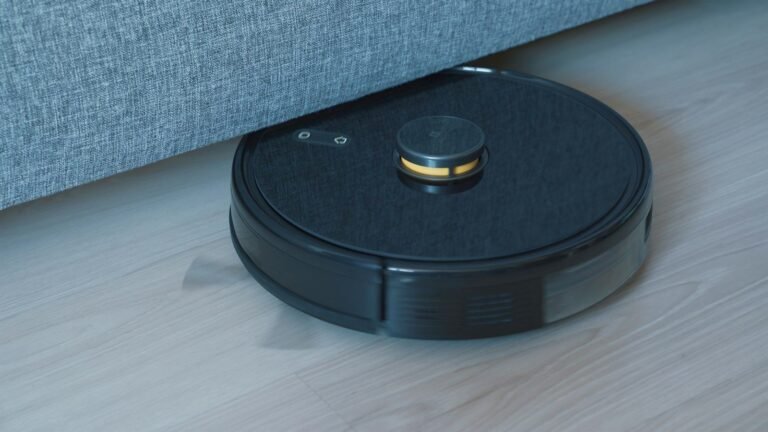
Because the alarm talks to your phone, review passwords, turn on two-factor authentication and keep the app updated. Connected devices also raise privacy questions, a topic we cover in our robot vacuum buying guide.
House, apartment and rentals
In an apartment, the lobby already provides part of the protection. In a house, the perimeter is larger: windows, back doors and the garage deserve attention. In a rental, wireless systems without drilling are easier to take along when you move, but talk to the landlord before mounting equipment and check building and local rules on audible alarms and permits.
An alarm is not the only layer. Solid locks, good lighting and simple habits help, as Consumer NZ and Which? remind us: remove ladders and tools from the yard, use motion-sensor lights, make the home look occupied while you travel and check what your insurance policy requires. To add video, see our comparison of wired vs. Wi-Fi security cameras, and to tie everything together, our home automation guide.
Checklist before you buy
- Define the goal: deter, receive alerts, or have someone react for you.
- List the accessible doors and windows and the rooms people pass through.
- Confirm battery backup and, if possible, a connection that does not depend on the internet.
- Ask about contract, penalty, price increases and what the monthly fee includes.
- If you have pets, ask for a compatible sensor and test it before committing.
- See how notifications arrive and who is alerted when it trips.
Frequently asked questions
Is a monitored home alarm worth more than a self-monitored one?
It depends on your profile. Monitored tends to suit people who travel, live alone or cannot watch their phone. Self-monitored cuts recurring cost but needs attention to notifications, as Consumer Reports notes.
Are wireless alarms safe?
Consumer Reports considers signal jamming possible but very unlikely, and notes that systems with encrypted sensors held up better in tests. Still, no technology removes risk entirely.
My alarm goes off by itself. What could it be?
According to Which?, common causes include user error, pets, wind, insects, and a weak battery or faulty sensor. Note the time and location of each trigger to spot a pattern, and call the installer if it persists.
Do I need a camera if I already have an alarm?
It is not mandatory, but cameras help confirm the cause of an alert. Think in layers, according to your budget.
Conclusion
The best home alarm system is the one you can keep armed, understand and afford without surprises. Compare total costs, test the routine with pets and family, and treat the system as one layer among several. Tell us in the comments what your biggest question is.
Sources and references
- Consumer Reports: How to Pick a Home Security System (buying guide, accessed Nov. 8, 2026)
- Consumer Reports: Can a Burglar Really Jam Your Wireless Security System?
- Which?: A fifth of false burglar alarms are set off by pets (Nov. 24, 2020)
- Consumer NZ: Home security, security cameras and security alarms
This article is informational, written by Biensky Fernandes, a real estate professional, and does not replace advice from a security professional. See our Editorial Policy.
Featured image: Photo: Pawel Czerwinski / Unsplash
Receba ideias de decoração no seu e-mail
Dicas práticas de decoração, jardim e organização da casa. Ao se inscrever, você recebe de presente a planilha grátis "Planejador de Decoração e Reforma". Sem excesso de e-mails.
Deixe um comentário