
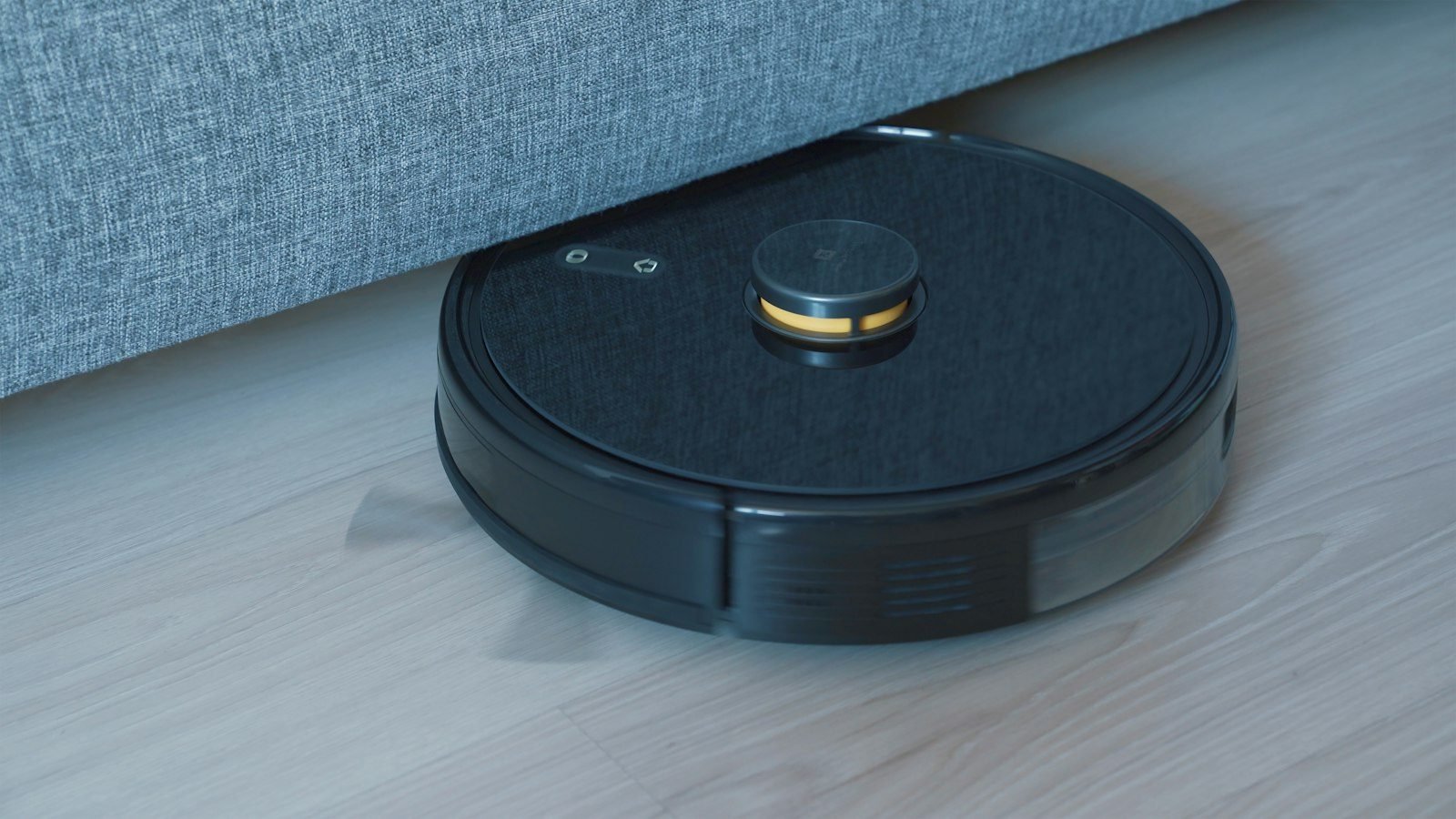
Choosing a robot vacuum sounds easy until you open an online store and find dozens of models with cryptic acronyms, “AI” labels and docks the size of a mini-fridge. The good news is that only a few criteria decide whether the machine will simplify your routine or end up as an expensive ornament parked in a corner.
This guide gathers what consumer organizations (Which?, CHOICE and Consumer NZ) and manufacturers say about navigation, mopping, docks, battery, privacy and upkeep. We do not recommend brands or prices. The goal is to help you walk into the store knowing what to ask.
First: is a robot vacuum right for your home?
Test results point to a clear pattern. Which? notes that these machines work best in homes with hard floors and little clutter, where they can run every day. Thick rugs, loose cables and crowded rooms can cancel out the time you save. Consumer NZ also calls a robot a poor fit for mostly carpeted homes.
In its lab tests, CHOICE reported average scores of about 88% on hard floors, 26% on carpet, 54% for pet hair and 65% for corners and edges. In other words, a robot is excellent for daily upkeep of smooth floors, but it does not fully replace a regular vacuum, especially on carpet, in corners and on stairs. If you already own a regular vacuum, think of the robot as a helper, not a replacement.
Navigation and mapping: what changes in practice
This is the criterion that matters most. According to Which?, reliable navigation and mapping matter more than AI marketing. Here are the three most common families described by the sources we consulted:
| Type | How it works | Watch out for |
|---|---|---|
| Simple sensors (no map) | Uses sensors and changes direction when it bumps into something. | Less efficient routes; it tends to “feel” its way around. |
| Laser mapping (LiDAR) | Measures distances with light and builds a map of your home; some models store more than one floor. | Not every model maps multiple floors, so check first. |
| Camera plus sensors | Combines cameras with sensors and virtual walls to find its way. | A camera calls for extra attention to privacy (see below). |
Obstacles, stairs and virtual walls
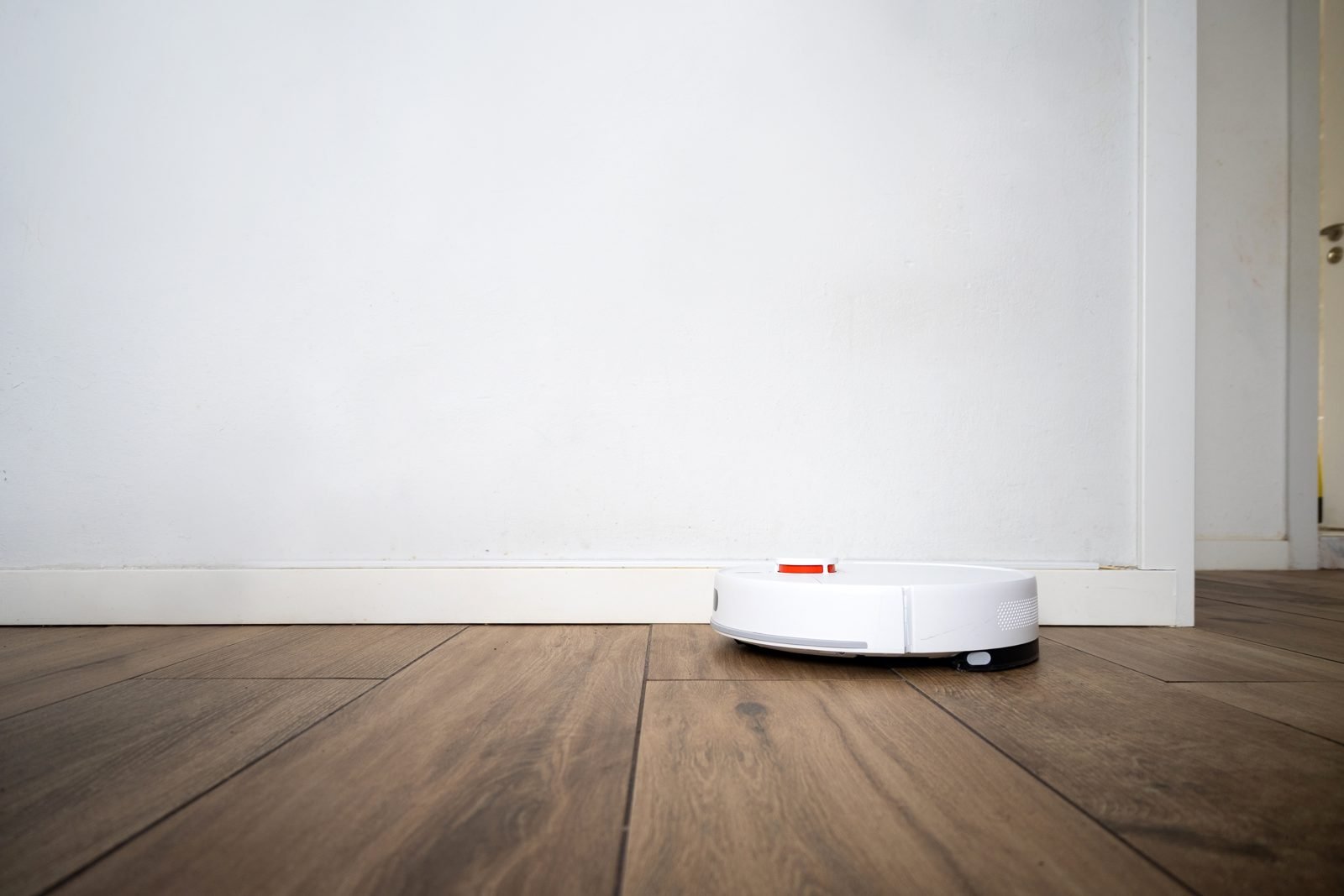
Consumer NZ reports that every current model it reviewed has stair detection, and most let you set virtual walls in the app to keep the robot out of areas such as the space near a fireplace or a pet corner. Higher-end models add AI obstacle recognition. CHOICE reminds shoppers that you still need to clear cables and loose items, and that some robots bump into furniture hard while others slow down as they approach.
Mopping: what to expect
Many current models include a mopping function. CHOICE describes it as suited to maintenance cleans of light stains and scuffs, and Which? tested sticky spills (jam and honey) and found that the mop spread the mess instead of solving it. Treat mopping as an everyday extra, not a substitute for deep cleaning.
Two practical notes. Mop pads can touch the fringe of rugs, so you may need to mark no-go areas by hand. And according to Consumer NZ, advanced systems wash or refresh the pad on their own, while basic ones need you to clean the pad after each use.
Self-emptying docks: worth the space?
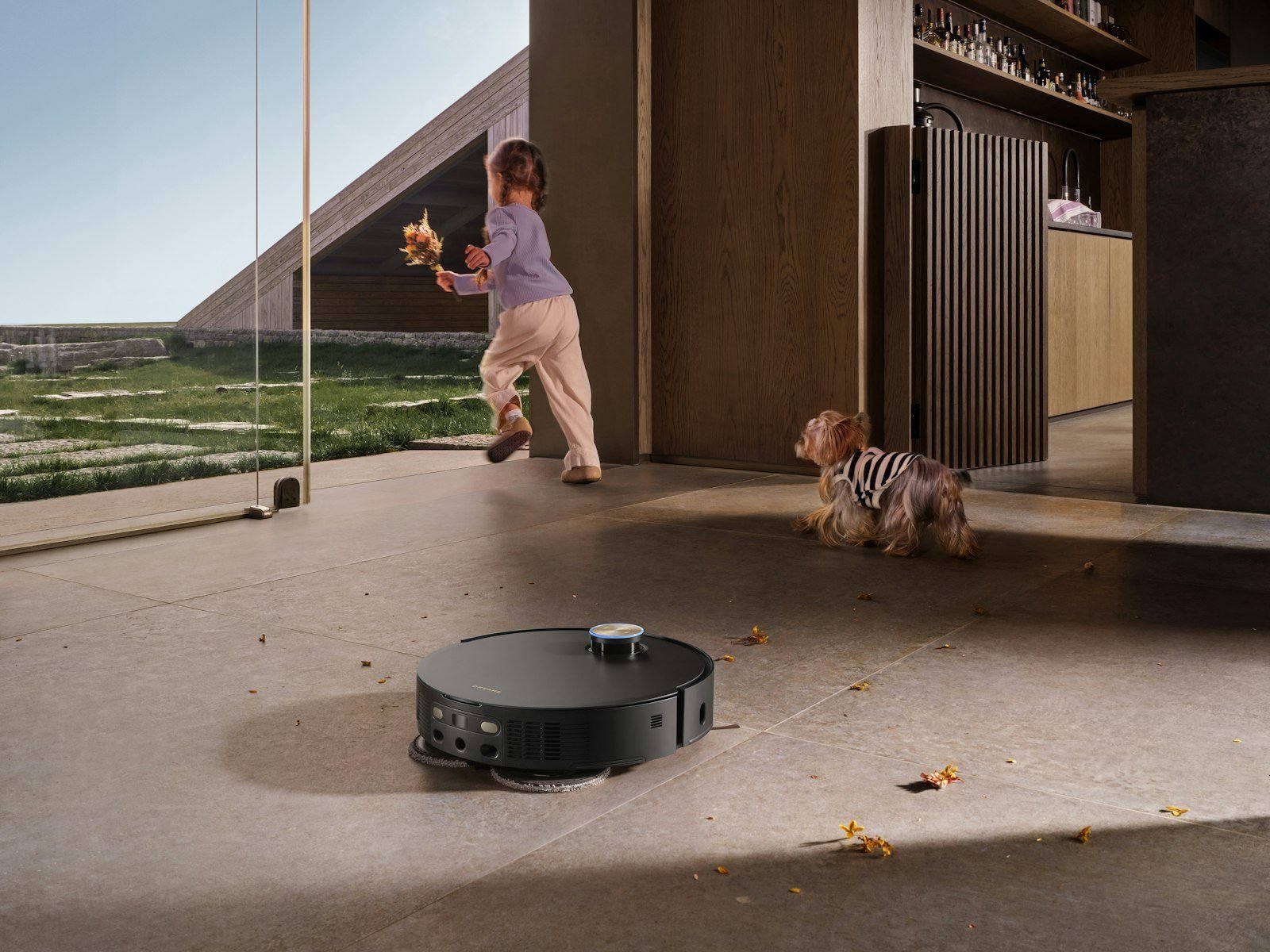
A dock that empties the robot’s bin means you handle the machine less often. Consumer NZ says some docks hold about ten times the robot’s built-in bin, and CHOICE cites one manufacturer claiming up to 75 days of stored dust. Two points deserve attention:
- Replacement bags: most docks use a bag, which is a recurring cost; bagless docks avoid it. Leaving a full bag in place too long can make it smell (CHOICE).
- Floor space: Which? notes that the dock takes up extra room. Measure the spot first and leave clearance for the robot to come and go.
Battery, noise and Wi-Fi
According to Consumer NZ, runtime ranges from about one hour to almost two hours across models, and a robot usually cannot clean a large home on a single charge. CHOICE recommends picking a model that can cover your floor area before heading back to the dock. CHOICE also notes that robots are generally quieter than a regular vacuum, but some whine or grind in ways that may bother neighbors and pets.
Another surprise: Which? and CHOICE point out that many models need a 2.4 GHz Wi-Fi network. If your router merges its bands into one, you may have to change a setting during setup. For a connected home, see our guide to home automation for beginners.
Privacy: cameras, app and data
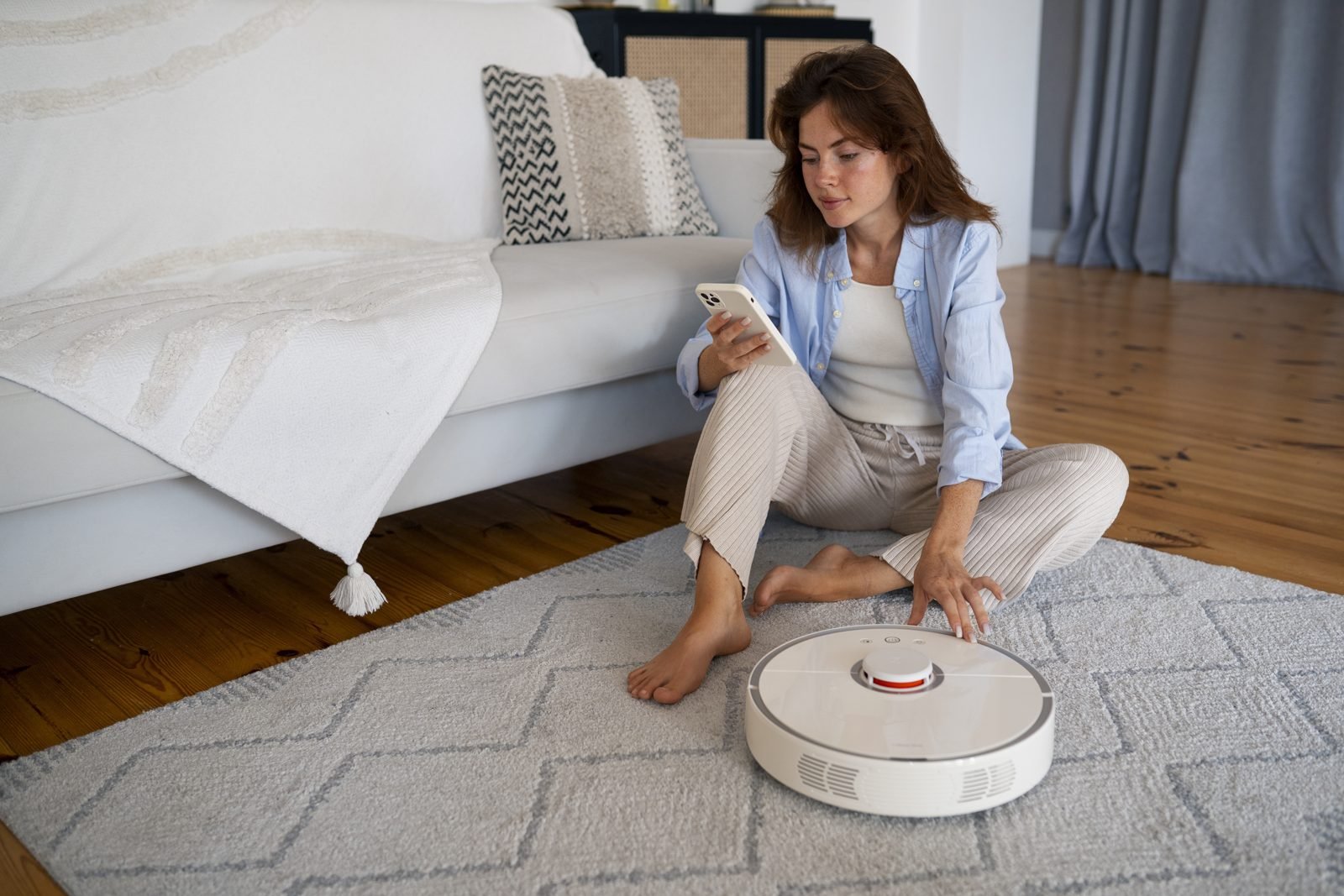
A robot vacuum with a camera is, in practice, a connected device that roams your home. Security Intelligence reports that iRobot said it shared more than 2 million images with a data-annotation company to train AI, taken from test units, and that some of those images ended up circulating online, which the company said broke a confidentiality agreement. Mozilla Foundation, reviewing a model with an HD camera and microphones in 2021, flagged the risk of misuse if the device were hacked.
Use this checklist before turning on the app:
- Read the privacy policy: which images and audio are collected and who they are shared with.
- Prefer brands with a good security record and regular firmware updates.
- Check whether you can switch off data capture and sharing in the app.
- See whether the home map can stay on the device only (CHOICE mentions this option on some models).
- Use a strong password and, if offered, two-step verification on the app account.
If your home already has cameras, compare the precautions in our guide to wired vs Wi-Fi security cameras.
Basic maintenance: what to do and how often
A neglected robot loses performance. Guidance from Dyson and Consumer NZ converges on a simple routine, which you should adjust to your model’s manual:
- After each clean or day of use: empty the bin (or when it reaches about 80% full) and check wheels and brushes for hair and debris.
- Weekly: wipe the sensors with a dry microfiber cloth, clean the charging contacts and wash mop pads (more often on dirtier floors).
- Monthly: remove the main brush for a thorough clean. Filters need weekly cleaning in homes with pets, allergies or lots of dust.
- Replacement: change filters and brushes as the manual or app says; Dyson cites the main brush roll as needing replacement about every five months.
If you have animals, see also our piece on automatic pet feeders.
Frequently asked questions
Does a robot vacuum replace a regular vacuum?
Not entirely. CHOICE and Which? tests show weak results on carpet and in corners, and a robot cannot climb stairs. It works best as daily upkeep for hard floors.
Is a model with mapping worth it?
In larger homes or homes with many rooms, a map allows no-go zones, room-by-room cleaning and more efficient routes. In small, open spaces, a simpler model may be enough.
Do I need a self-emptying dock?
It cuts how often you maintain the robot, but it takes space and usually needs replacement bags. With pets or a large home, the benefit tends to be greater.
Is a robot vacuum with a camera safe?
It depends on the manufacturer and how you set it up. Read the privacy policy, turn off what you do not need, keep the firmware updated and protect the app account with a strong password.
Conclusion
The best robot vacuum is the one that fits your floors, the size of your home and your comfort with connected tech. Compare navigation, dock, battery and privacy, and check the latest lab tests before buying. Tell us in the comments what you use.
Sources and references
- Which?: how to buy the best robot vacuum cleaner.
- CHOICE (Australia): how to buy a great robot vacuum cleaner.
- Consumer NZ: how to buy the best robot vacuum and how to clean and maintain it.
- Dyson: how to clean a robot vacuum.
- Security Intelligence: why robot vacuums have cameras.
- Mozilla Foundation: privacy review (Privacy Not Included, Nov. 2021).
See also our editorial policy.
Featured image: Photo: Onur Binay / Unsplash
Receba ideias de decoração no seu e-mail
Dicas práticas de decoração, jardim e organização da casa. Ao se inscrever, você recebe de presente a planilha grátis "Planejador de Decoração e Reforma". Sem excesso de e-mails.

Deixe um comentário